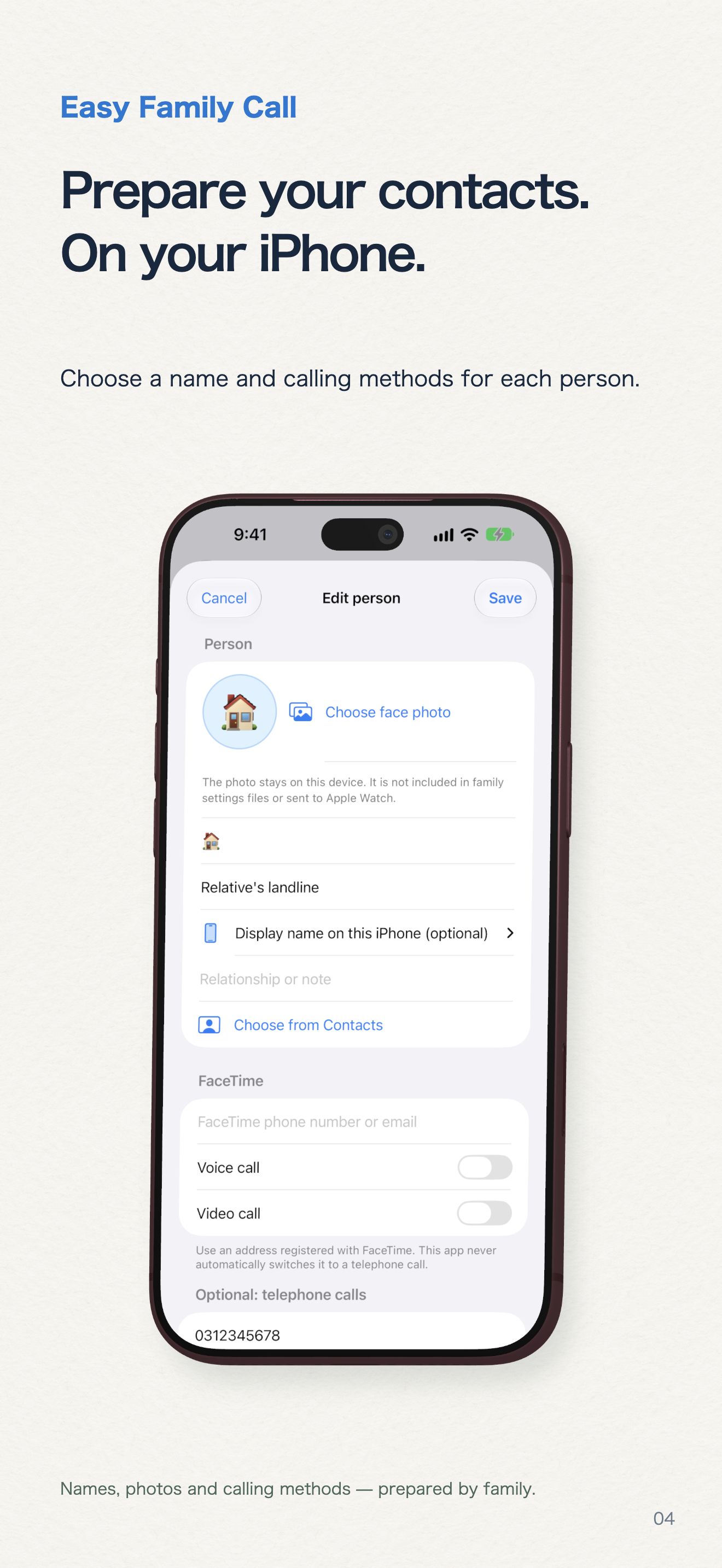
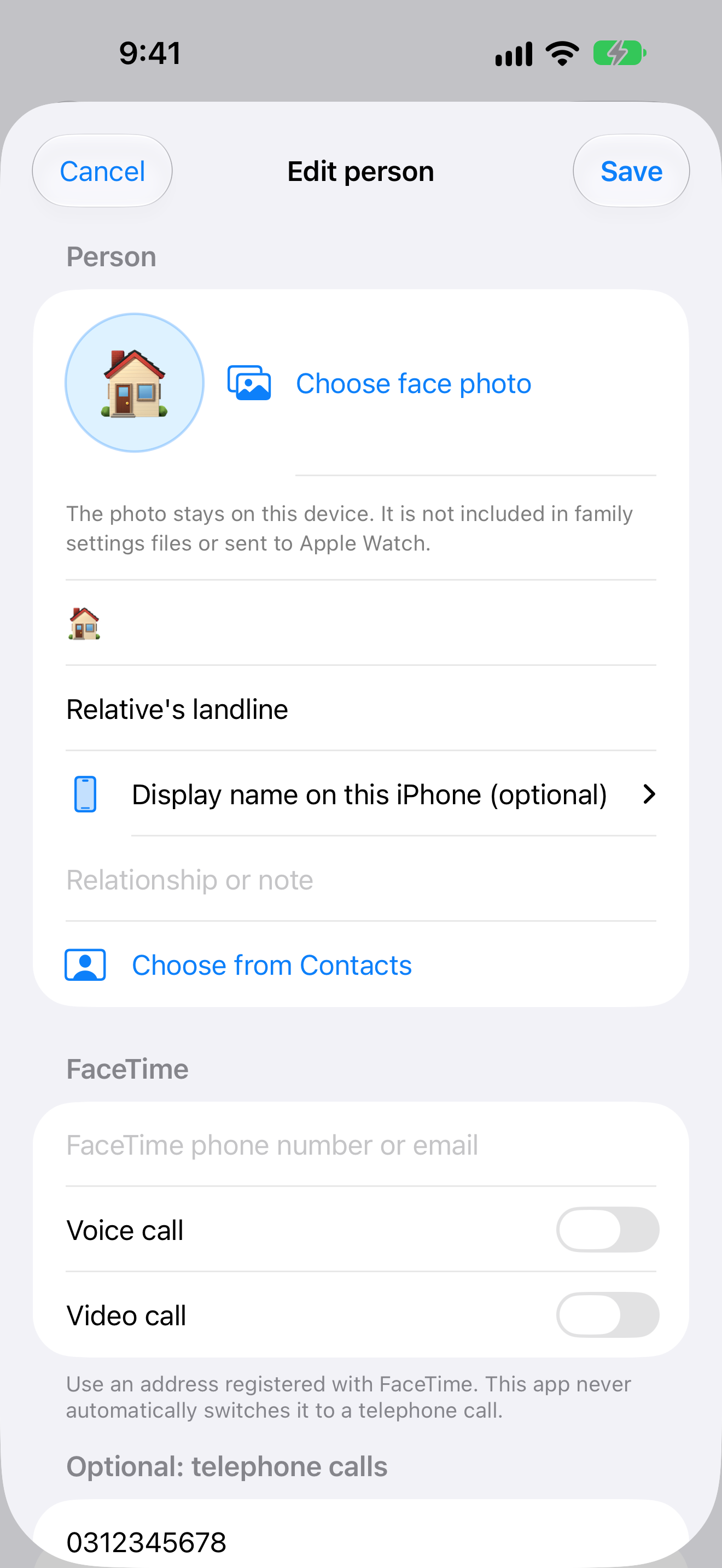
Family prepares the contacts.
Set names, photos and calling methods for each person on iPhone.
EASY FAMILY CALL · IPHONE & APPLE WATCH
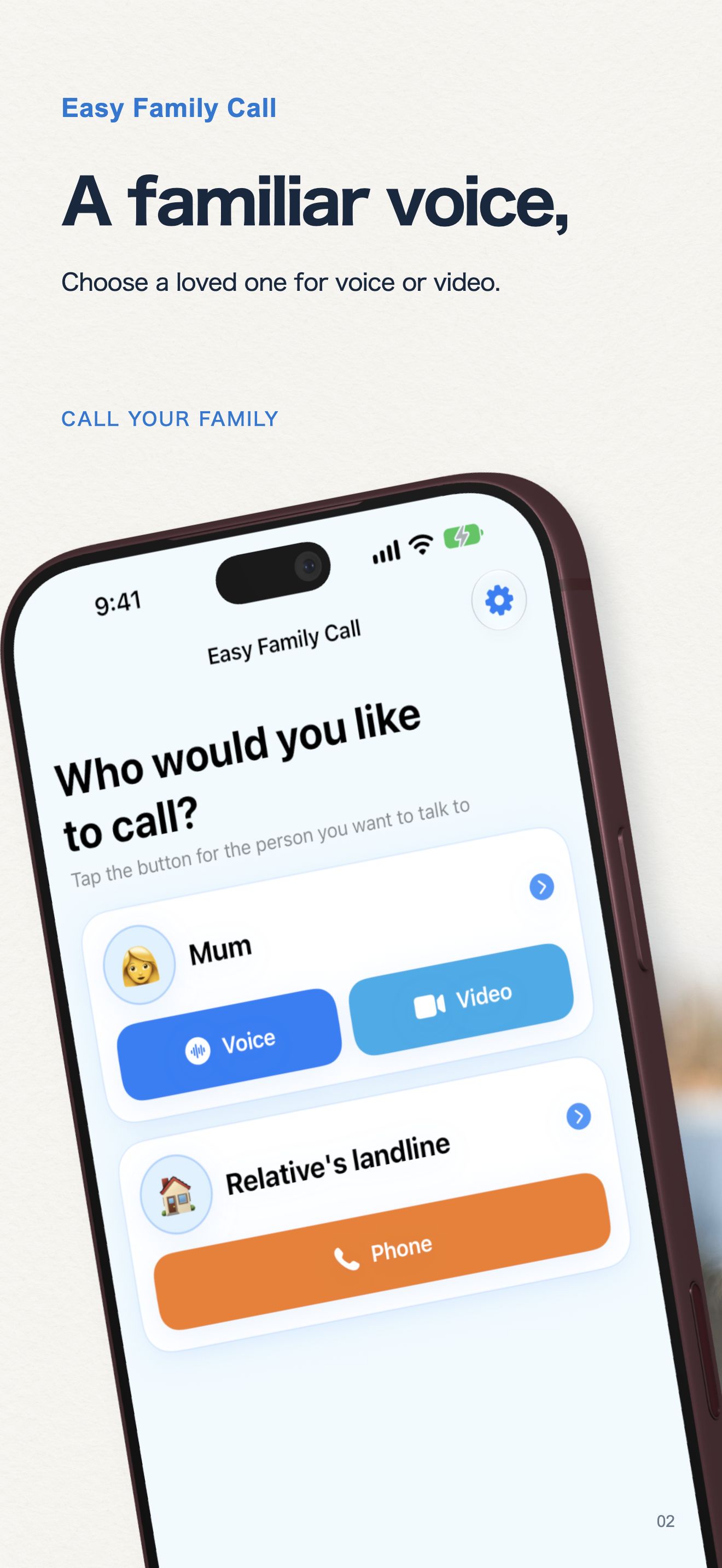
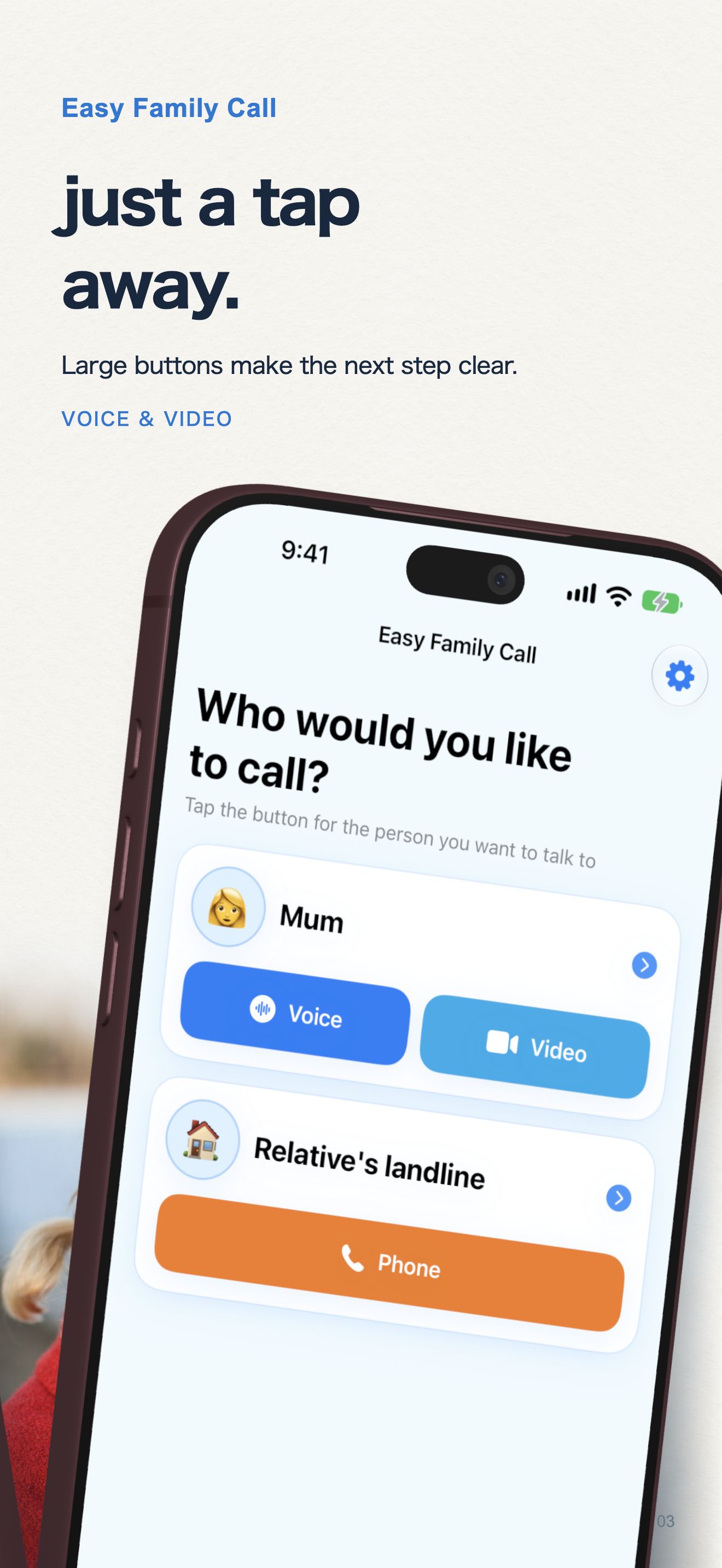
Large, clear buttons for the people who matter. Family can set up contacts and calling methods, so starting a FaceTime or phone call feels easier.
iPhone · iOS 18+ · Apple Watch and supported CarPlay systems
18-second app demonstration in Japanese.
CarPlay
Set names, photos and calling methods for each person on iPhone.
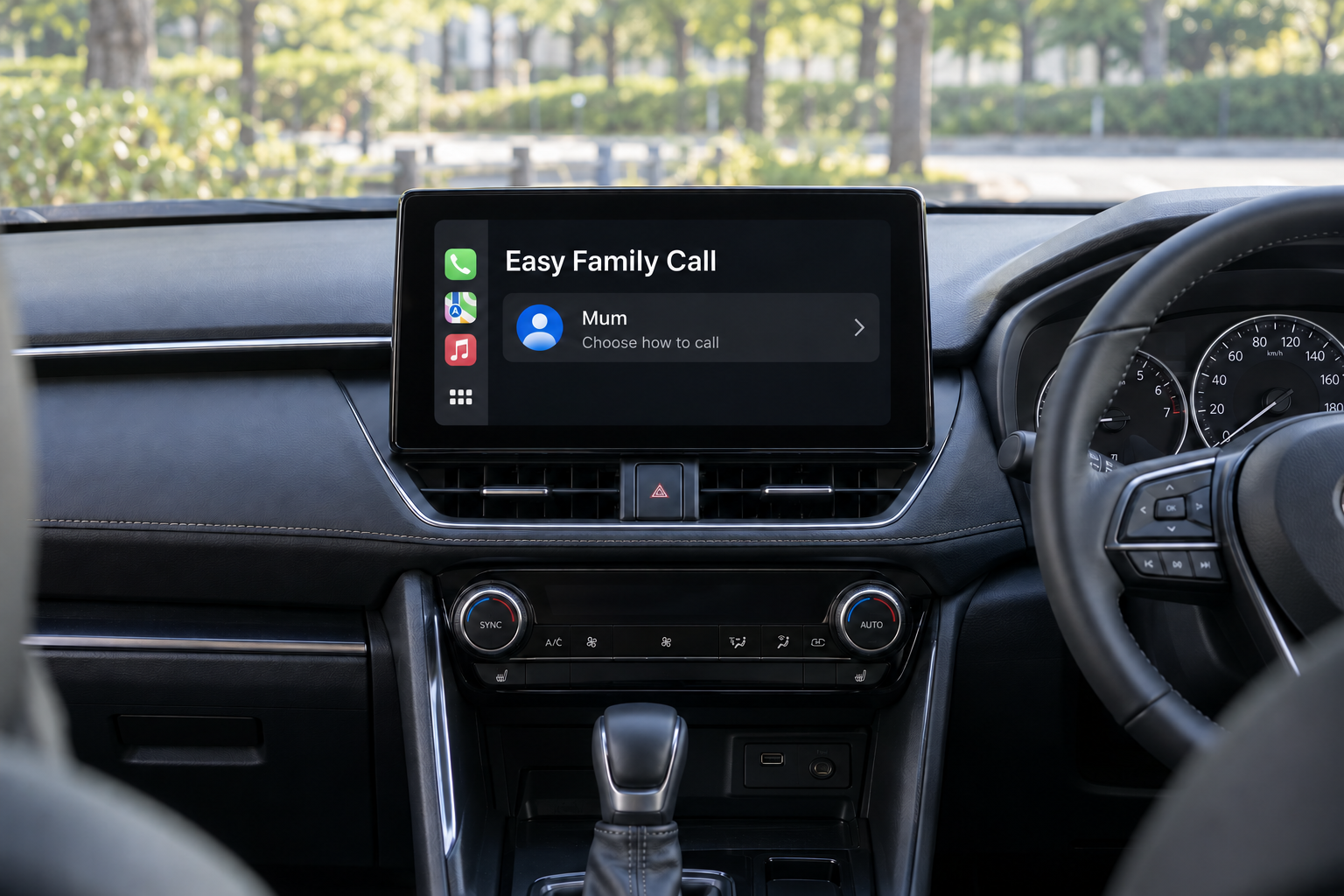
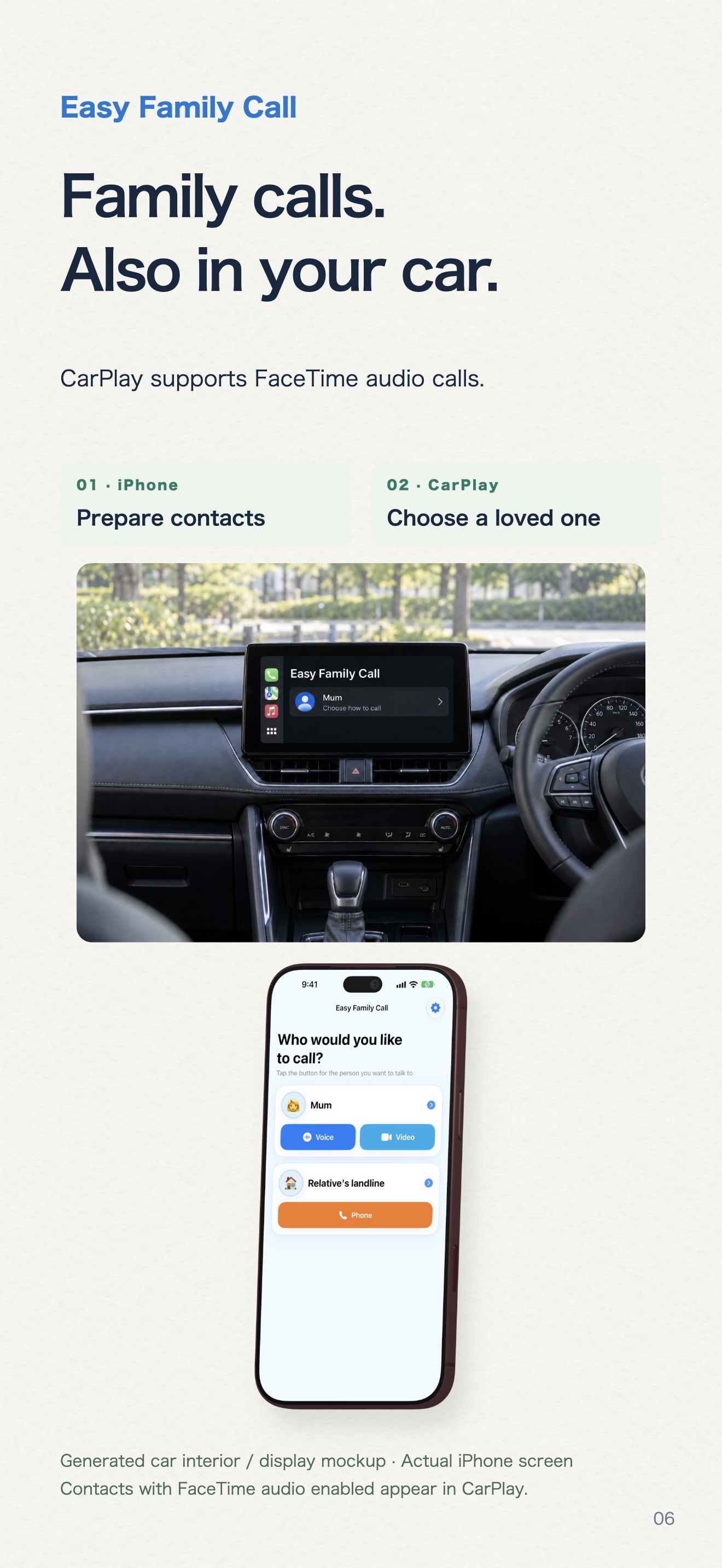
Choose a contact, then select FaceTime Audio. Contacts with FaceTime audio enabled appear in CarPlay.
Available with compatible CarPlay systems. The car is an illustration.
Open a simple screen with big buttons for your chosen family contacts.
Choose contacts, photos and calling methods. Share contacts, including photos, with AirDrop using .onecall or ZIP files.
Use two callable contacts for free. A one-time in-app purchase unlocks up to 50 contacts. Check the purchase sheet for the current price; restore purchases in the app.
A family member adds contacts and selects FaceTime Audio, Video or an optional phone call.
Send the .onecall or ZIP file with AirDrop. Import it on the family member’s iPhone.
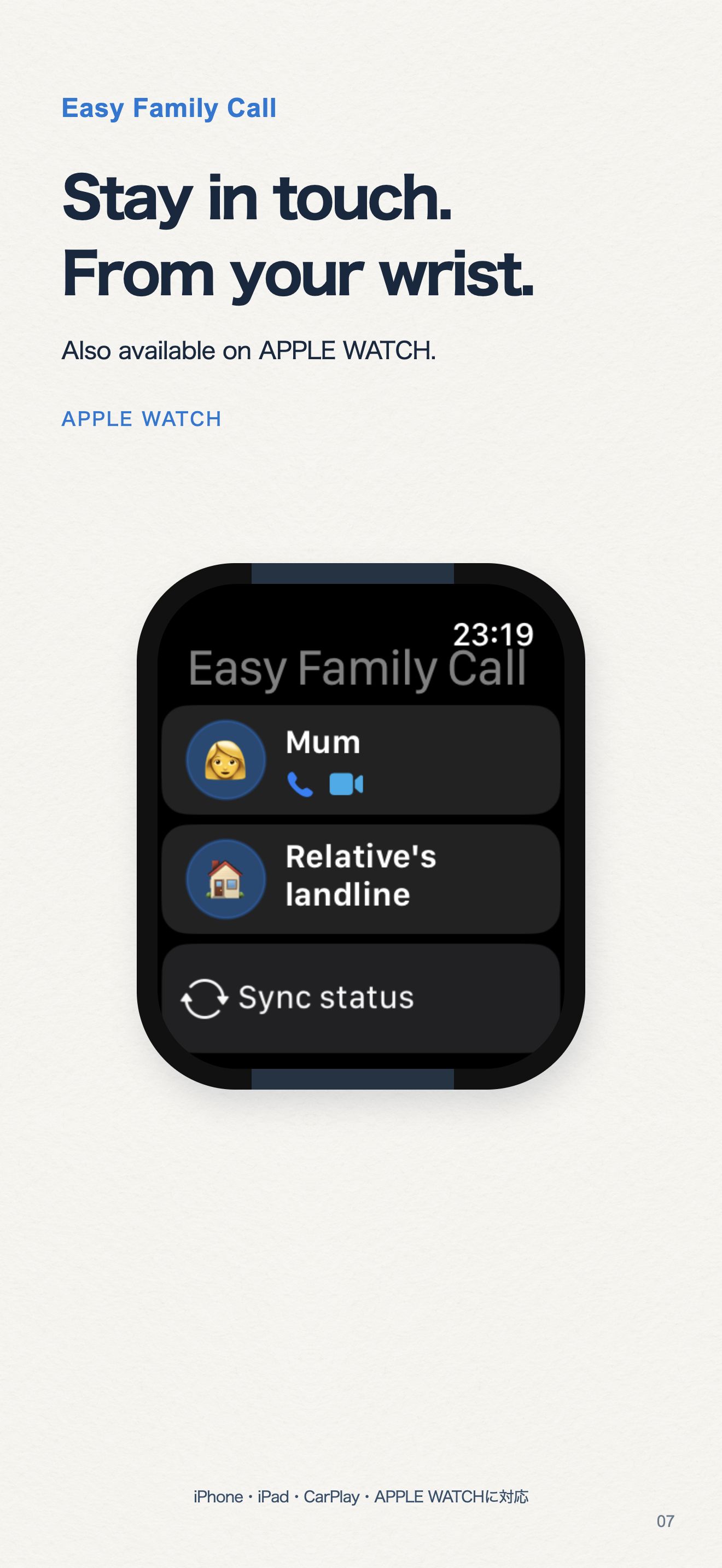
Tap the person you want to call. Apple Watch prepares calls on iPhone; CarPlay supports compatible vehicle displays.
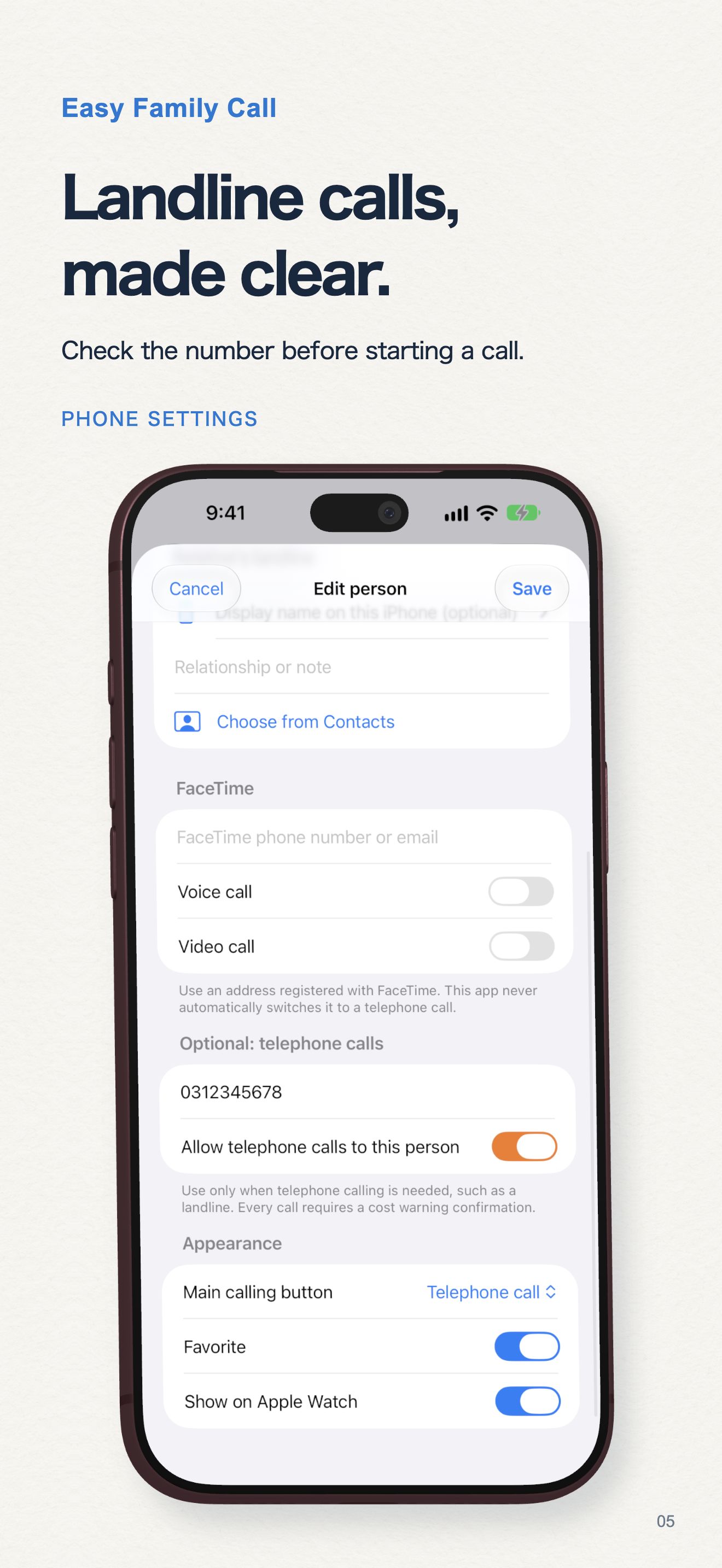
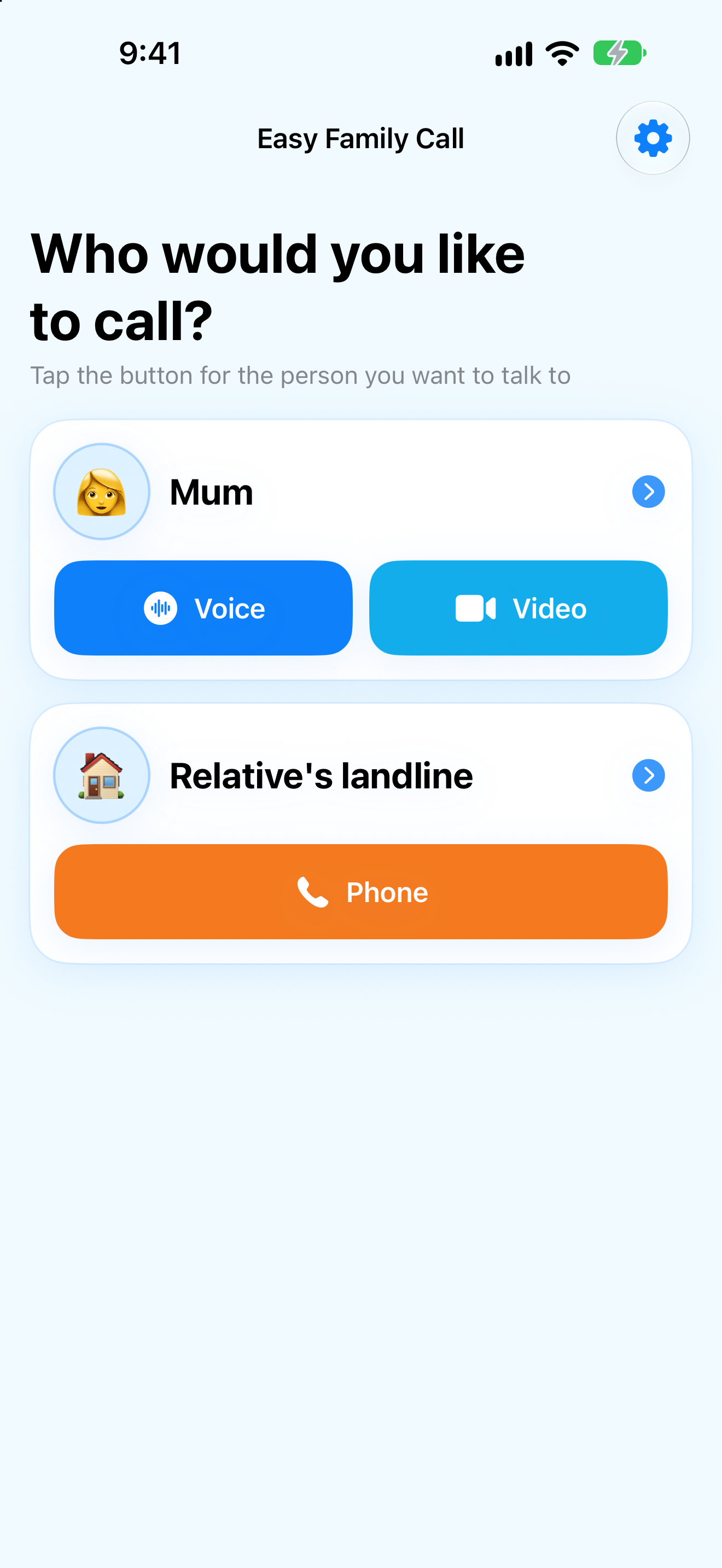
Actual released app screens. Demo contacts are shown.
No. FaceTime opens Apple’s system calling features. Optional telephone calls use your carrier, and show a cost warning. They are never used as an automatic fallback.
Yes. Two callable contacts are free. The optional one-time purchase unlocks up to 50 contacts; no subscription is required.
Photos are included in .onecall and ZIP sharing files, but are not included in Apple Watch sync.
FaceTime, telephone and CarPlay availability depends on your region, device, carrier and compatible vehicle system.
iPhone · iOS 18+ · Apple Watch and supported CarPlay systems